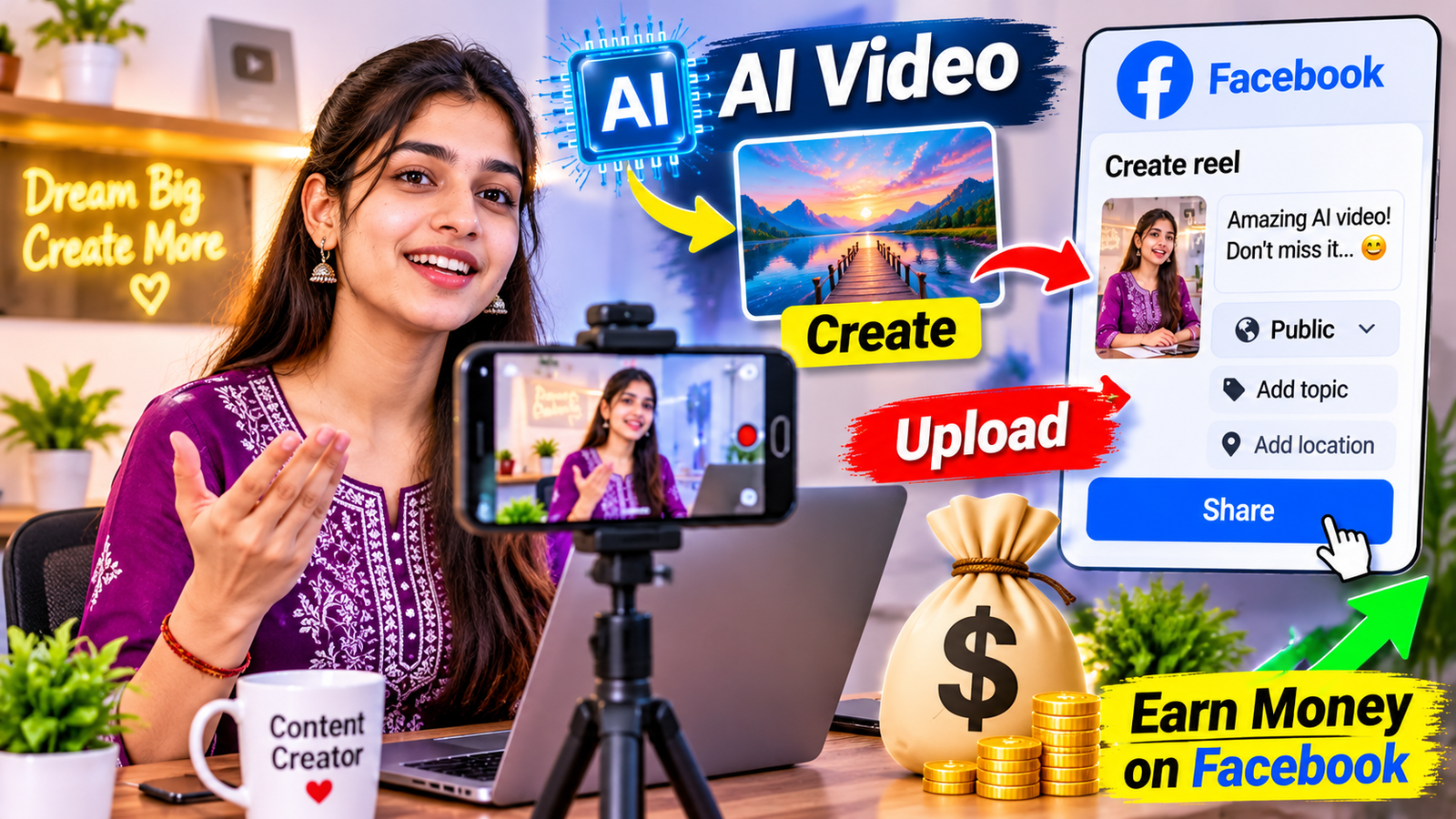
Creating videos used to require expensive cameras, professional editing software, and a lot of time. Today, artificial intelligence has made video creation easier for beginners. With AI tools, you can write scripts, generate images, create video clips, add voiceovers, and edit complete videos using a laptop or smartphone.
Facebook provides another opportunity for creators to reach a large audience through Reels and other content formats. By combining AI video creation with a well-planned Facebook Page, creators can explore different ways to earn money online.
However, making money is not automatic. You need original ideas, useful content, regular publishing, and an understanding of Facebook’s monetization policies. This guide explains how beginners can start creating AI videos and build a potential income source.
Why Create AI Videos for Facebook?
Facebook is a popular platform for sharing videos, entertainment, educational content, and personal stories. Its recommendation system can show public content to people who do not follow your Page, giving new creators an opportunity to reach additional viewers.
AI tools make this process easier because you do not always need to record yourself or purchase professional equipment.
For example, you can create a short motivational video using AI-generated background scenes, a written script, and a voiceover. Similarly, you can produce educational videos explaining interesting science facts or historical events.
Some benefits include:
- Lower production costs: Many AI tools offer free plans or affordable subscriptions.
- Faster content creation: You can prepare scripts, visuals, and voiceovers without recording everything yourself.
- Multiple content formats: You can create educational videos, storytelling clips, tutorials, and entertainment content.
- A wider audience: Facebook supports creators publishing content in different languages.
- Different income opportunities: You can explore platform monetization, sponsorships, affiliate marketing, and video services.
The most important thing is to create content that gives viewers a reason to watch, share, and follow your Page.
How Does Facebook Monetization Work in 2026?
Facebook offers creators different ways to earn money. Its main creator payout program is called Facebook Content Monetization.
Meta announced this program to bring together earlier monetization options, including In-stream Ads, Ads on Reels, and the Performance Bonus.
The program can reward eligible creators for the performance of different content formats, including:
- Facebook Reels and longer videos
- Public photos
- Stories
- Text posts
However, access is not automatically available to every Facebook Page. As of November 2026, Facebook Content Monetization remains invitation-based. Eligible creators can express interest through the Monetization section of their Professional Dashboard, but submitting an interest form does not guarantee an invitation.
Creators should check their account regularly to understand which monetization options are available.
Other Ways to Earn on Facebook
Apart from Content Monetization, creators can explore other opportunities.
Facebook Stars: Viewers can send Stars to support eligible creators. The availability and eligibility requirements depend on the account and country.
Subscriptions: Some creators can offer paid subscriptions that give followers access to exclusive content and other benefits.
Brand partnerships: Businesses may pay creators to introduce their products or services to an audience.
Always check the official Facebook monetization policies before relying on a particular earning method.
Types of AI Videos You Can Create
Choosing the right content category is one of the most important steps. Instead of posting random videos, focus on a niche that has a clear audience.
Here are some examples.
1. Motivational Videos
Motivational videos can include positive messages, inspiring stories, and personal development tips.
You can use AI-generated cinematic backgrounds, a narration voice, and subtitles to create short videos.
For example, a video could explain five habits that help people become more productive.
2. Educational and Interesting Facts
Educational content is another option for beginners.
You can create videos about space, science, technology, geography, history, or general knowledge.
For example, a 30-second video could explain why the sky appears blue or how astronauts live in space.
Always verify facts using reliable sources before publishing.
3. AI Storytelling Videos
Storytelling is a useful format for creators who enjoy writing.
You can create fictional stories, mystery episodes, moral stories, or interesting short narratives using AI-generated scenes.
Try to develop original characters and stories instead of copying popular videos from other creators.
4. Animal and Nature Videos
AI tools can generate imaginative scenes featuring wildlife, forests, oceans, and unusual animal situations.
For example, you could create an educational video about how elephants communicate or explain interesting facts about dolphins.
If a scene is entirely AI-generated, do not present it as genuine wildlife footage.
5. Faceless Tutorial Videos
You can also create videos without showing your face.
Some examples include:
- How to use AI tools
- Smartphone tips and tricks
- Website creation tutorials
- Productivity tips
- Basic financial education
These videos can combine screen recordings, original explanations, and AI-generated narration.
Best Tools for Creating AI Videos
You do not need every available tool to get started. Choose a small set of tools and learn how to use them properly.
Script Writing: ChatGPT and Claude can help you generate video ideas, write scripts, create hooks, and prepare captions. Review the information and rewrite the script in your own style.
AI Video Generation: Runway, Kling, Pika, and other video-generation platforms can create video clips from text prompts or images. Their features, prices, and commercial-use terms vary.
AI Image Generation: Image-generation tools can help you create original scenes, characters, and backgrounds for your videos.
Voiceovers: ElevenLabs and similar text-to-speech services can produce narration in different languages and voices.
Video Editing: CapCut and Canva offer editing features for combining video clips, adding subtitles, adjusting audio, and creating social media content.
Music and Sound Effects: Use music that you have permission to use commercially. You can also explore Facebook’s available music resources, subject to their applicable terms.
Before using any tool for commercial projects, read its licensing and usage conditions.
Step-by-Step Guide to Creating Your First AI Video
You can follow this simple workflow to produce your first Facebook Reel.
Step 1: Choose a Niche
Start by deciding what type of videos you want to create.
For example, you could choose technology tutorials, motivational stories, educational facts, or AI-generated entertainment.
A focused niche makes it easier to understand your audience and develop a consistent content style.
Step 2: Create a Facebook Page
Create a Facebook Page with a simple and memorable name.
Add a professional profile picture, cover image, and description explaining what viewers can expect.
You can also explore Professional Mode if you prefer creating content through your personal profile.
Step 3: Write a Short Script
A good video starts with an interesting idea.
For example, if you are creating a video about space, your opening line could be:
“Did you know that one day on Venus is longer than its entire year?”
After the opening, explain the fact in simple language and finish with a useful conclusion.
Keep the narration natural and avoid unnecessary sentences.
Step 4: Generate Video Scenes
Divide your script into smaller scenes.
For example, a 30-second educational video might contain:
- Opening: A close-up view of the planet.
- Explanation: A rotating animation showing its movement.
- Details: A comparison between Venus and Earth.
- Ending: A short summary of the interesting fact.
Generate visuals using AI video tools. Check each scene for visual errors and consistency.
Step 5: Add an AI Voiceover
Convert your script into narration using a text-to-speech tool.
Choose a voice that is easy to understand and matches your audience’s language.
Listen to the complete narration before using it. Correct incorrect pronunciations and unnatural pauses.
Step 6: Edit Your Video
Combine the generated scenes and voiceover in an editing application.
Add readable subtitles, suitable transitions, and background music where appropriate.
For vertical Facebook Reels, a 9:16 aspect ratio is a practical starting point.
A short video should communicate its main idea quickly without unnecessary effects.
Step 7: Publish and Review
Write a clear caption and select relevant hashtags.
Publish your video and review its performance over time.
Pay attention to watch time, audience retention, qualified views, shares, and new followers.
Use these results to understand what your audience enjoys.
How to Grow Your Facebook Page
Creating videos is only one part of the process. You also need to build an audience.
Here are some practical suggestions:
Post Consistently: Develop a realistic publishing schedule. One quality video every day can be more useful than uploading several unfinished videos.
Create Interesting Openings: Give viewers a reason to continue watching during the first few seconds.
Use Captions and Subtitles: Many people watch videos without sound, so readable subtitles can improve accessibility.
Develop Video Series: Create recurring topics such as daily technology tips or weekly interesting facts.
Reply to Comments: Answer genuine questions and participate in conversations with your audience.
Study Analytics: Identify which topics receive meaningful engagement and improve your future videos accordingly.
Avoid buying followers, using fake engagement, or repeatedly posting identical content.
Other Ways to Make Money From AI Videos
You should not depend entirely on Facebook payouts. Building additional income sources can make your creator business more sustainable.
Affiliate Marketing
You can recommend relevant products, software, or online services through affiliate links.
For example, a technology-focused Page could introduce video editing applications or AI tools.
Always disclose affiliate relationships clearly and follow the platform’s rules.
Brand Sponsorships
Once your Page develops a consistent audience, businesses may approach you for promotional videos.
You can also contact relevant businesses and offer content creation services.
Selling Digital Products
Creators can develop and sell digital products such as:
- AI video prompt collections
- Editing templates
- Educational e-books
- Video creation guides
- Online courses
Make sure your products provide genuine value.
Providing AI Video Services
Small businesses often need promotional videos for their social media accounts.
You can use your video editing and AI generation skills to create advertisements, product presentations, and short promotional clips for clients.
This can provide an income opportunity even before you qualify for Facebook monetization.
Important Facebook Rules for AI-Generated Content
Creating AI videos does not automatically make content eligible for monetization. The quality, originality, ownership, and accuracy of your content matter.
Keep these important points in mind:
Create Original Content: Do not download other creators’ videos and upload them again with minor changes. Add your own scripts, storytelling, explanations, and creative editing.
Avoid Repetitive Videos: Publishing hundreds of nearly identical videos with little meaningful variation can hurt the quality and originality of your Page.
Respect Copyright: Use images, music, footage, and voiceovers that you have the right to use. AI generation does not automatically give you permission to use copyrighted material.
Be Transparent: Do not use AI-generated scenes to mislead viewers. Follow Meta’s applicable disclosure and labeling requirements for AI-generated or manipulated content.
Protect People’s Identity: Do not create misleading videos using someone’s face or voice without appropriate permission.
Avoid Fake Engagement: Buying followers, using automated engagement, and asking viewers to interact deceptively can create monetization risks.
You should regularly review Facebook’s Partner Monetization Policies and Content Monetization Policies.
How to Create a Realistic Income Plan
AI video creation is not a guaranteed way to earn money. Results depend on content quality, audience interest, competition, location, and monetization access.
A beginner can follow this practical three-month plan.
Month 1: Learn and Create
Choose one niche, set up your Facebook Page, learn a few AI tools, and publish your first 20 to 30 original videos. Focus on improving scripts, visuals, and editing.
Month 2: Understand Your Audience
Review your video analytics. Identify which topics receive more watch time, shares, and meaningful engagement. Improve your content based on these observations.
Month 3: Explore Income Opportunities
Check your Professional Dashboard for available monetization options. Explore affiliate partnerships, digital products, or video creation services where appropriate.
Remember that three months is only a planning example, not a guaranteed timeline for earning money or receiving a monetization invitation.
Conclusion
Creating AI videos and posting them on Facebook can be an interesting opportunity for people who want to develop digital content skills and explore online income sources.
You can start with a smartphone, a few affordable tools, and original video ideas. Choose a clear niche, create useful content, improve your editing, and understand the platform’s rules before expecting earnings.
Facebook monetization is not guaranteed, and AI-generated content alone does not ensure success. The best long-term approach is to build an audience that genuinely enjoys your videos while developing additional skills and income opportunities.
Start with one video, learn from its performance, and gradually improve your content. Consistency, creativity, and originality are more valuable than shortcuts.
Disclaimer: This article is for informational and educational purposes only. Earnings are not guaranteed. Facebook monetization availability, eligibility, and policies can change. Always check the latest official Meta guidelines before making financial or business decisions.
Image Caption: Illustrative image showing an example of AI video creation and Facebook monetization. The earnings figures and dashboard information shown are fictional and do not represent actual payouts or guaranteed income.
Official Resources: